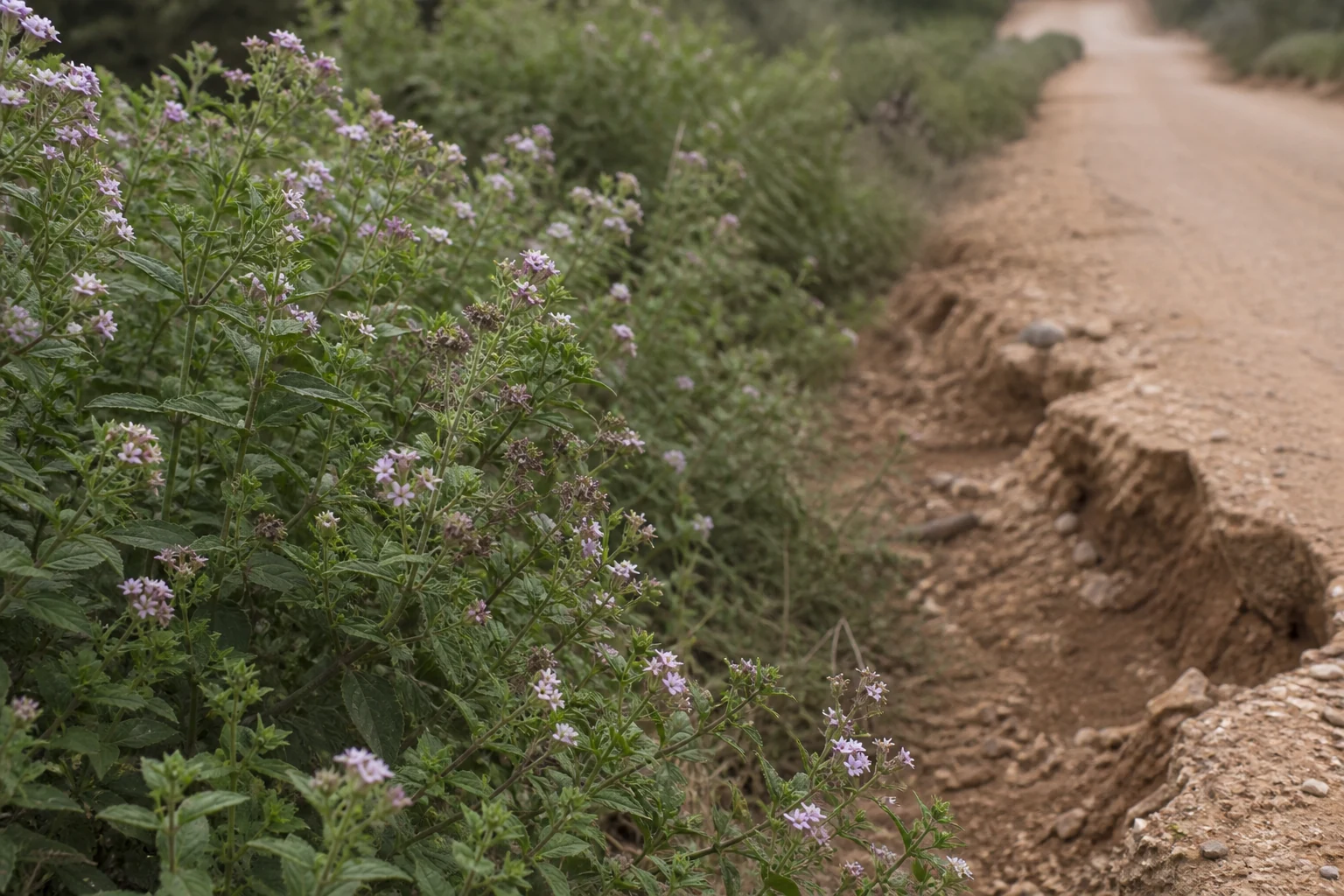
Kruger’s roads, fences, and habitats take constant pressure from weather, wildlife, and invasive plants. Visitors who notice problems-and report them in the Kruger Companion app-help rangers respond faster. This guide explains what is worth reporting, and how the app’s two report buttons work.
For live sightings of animals, use normal etiquette and app features-not every lion needs a conservation ticket.
What Counts as a Useful Report
Alien / invasive plants
- Dense stands of known invaders (e.g. lantana, certain invasive cactus or chromolaena-type thickets) along roads or rivers
- New flowering patches that look out of place in local vegetation
- Photo + automatic GPS beat a vague “weeds somewhere near Satara”
Infrastructure & road damage
- Washaways, collapsed culverts, trees blocking a public tourist road
- Fence breaches or damaged perimeter sections you can see safely from a vehicle or camp
- Broken signs or hazardous drop-offs that could strand visitors
Do not put yourself at risk to “get a better photo.” Report from a safe pull-off; never exit the vehicle in the bush for a plant sample.
What Not to Report as Conservation Urgencies
- Ordinary potholes already known on busy tar (unless newly severe)
- “Ugly” but natural dead trees after a storm
- Animal sightings (use Camp Chat / sighting norms instead-Camp Chat guide)
- Medical or crime emergencies - use Emergency channels and official numbers
How Reporting Works in the App
Kruger Companion keeps it to two clear actions-you do not fill a ranger form by hand.
Alien plants
- Tap the plants report button
- Choose from the plants available in the app (the list is curated so reports stay consistent)
- Submit - GPS location and time are attached automatically
Infrastructure / road damage
- Tap the infrastructure report button
- Take photos of what you see (washaway, blocked road, fence issue, etc.)
- Submit - again, location and time go with the report automatically
You do not need to type road codes, camps, or clocks unless you want to add an optional note. Stay in the vehicle, pull off safely, and report from where you are.
This is not a substitute for emergency calls-life-threatening or crime situations go straight to Emergency contacts.
Blur or avoid sharing fence-gap details on social media in a way that could help illegal entry. Prefer the in-app flow over public posts for security-sensitive infrastructure.
Field Habit That Helps
On long drives, give the passenger the reporting job: spot the plant or damage, open the right button, submit while you stay safely pulled over. Five seconds in the app beats trying to remember details at the braai. More on daily app habits: safari workflow.